
Intelligence in every lesson.
The learning layer of the Neurolayer ecosystem. Built on the same formula as everything we make: your keys, your data, fair pricing — and learning that actually adapts to you.
Gold lessons free on every account · Included in the $8/month tier

Lessons that meet you where you browse.
From summary to lesson in one click.
Summarize in NeuroBrowse
Reading about AI? Summarize the page like you always do. Nothing new to learn, no extra step.
NeuroLearn spots it
When the topic is AI, a Create Lesson button lights up right on your summary card.
One click, it's a lesson
Your summary becomes an interactive lesson with a quiz at the end — your research, your progress.
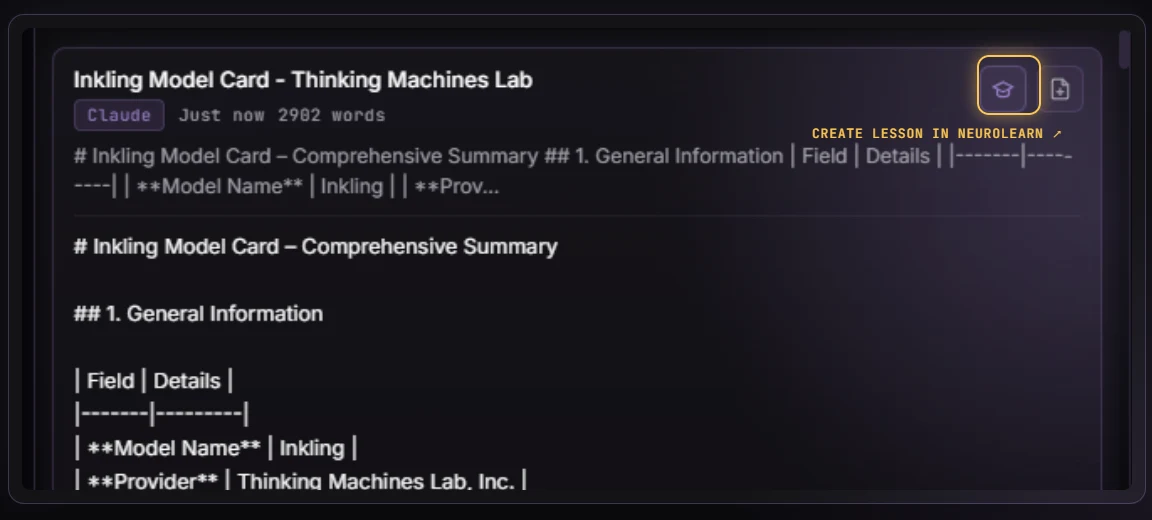
Runs on Claude, Gemini, or Groq — your key, your choice, no forced default.
Generated lessons are AI-created from your own research — double-check anything important before you rely on it.
Fourteen lessons, ready on day one.
You don't start NeuroLearn with an empty shelf. Every account opens with the gold library — fourteen ready-made lessons on AI itself, human-authored, not model-generated. They're free on every account, forever — bonus lesson included — through trial, free tier, and subscription alike. And your progress never resets: score points, finish quizzes, and pick up exactly where you left off. Always.
See where the lessons live.
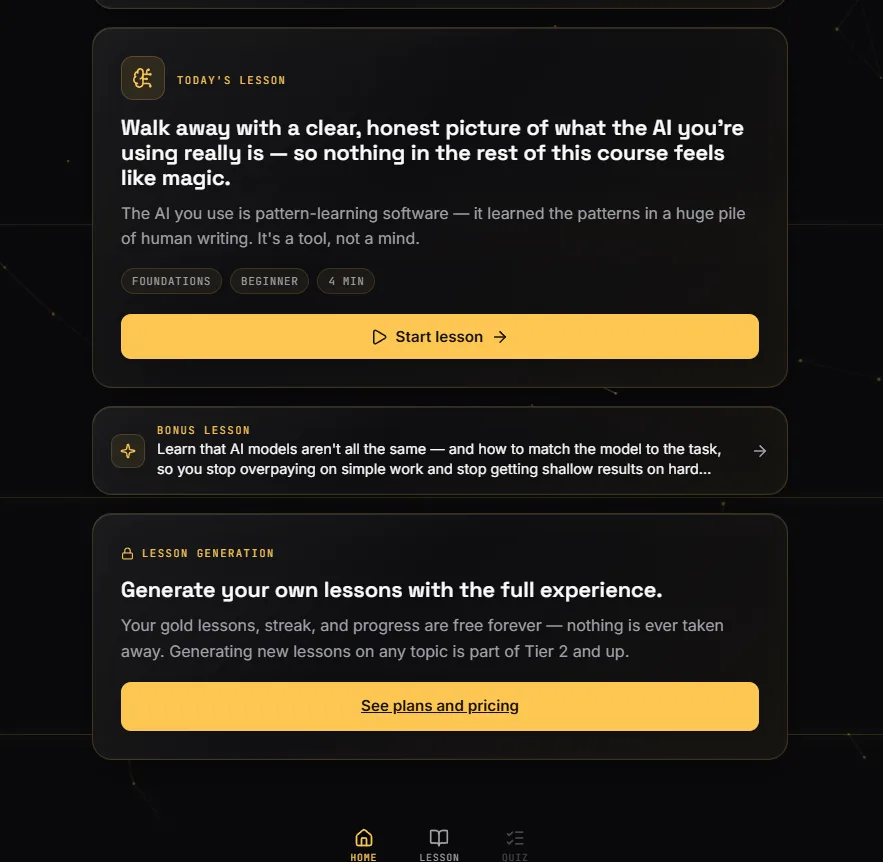
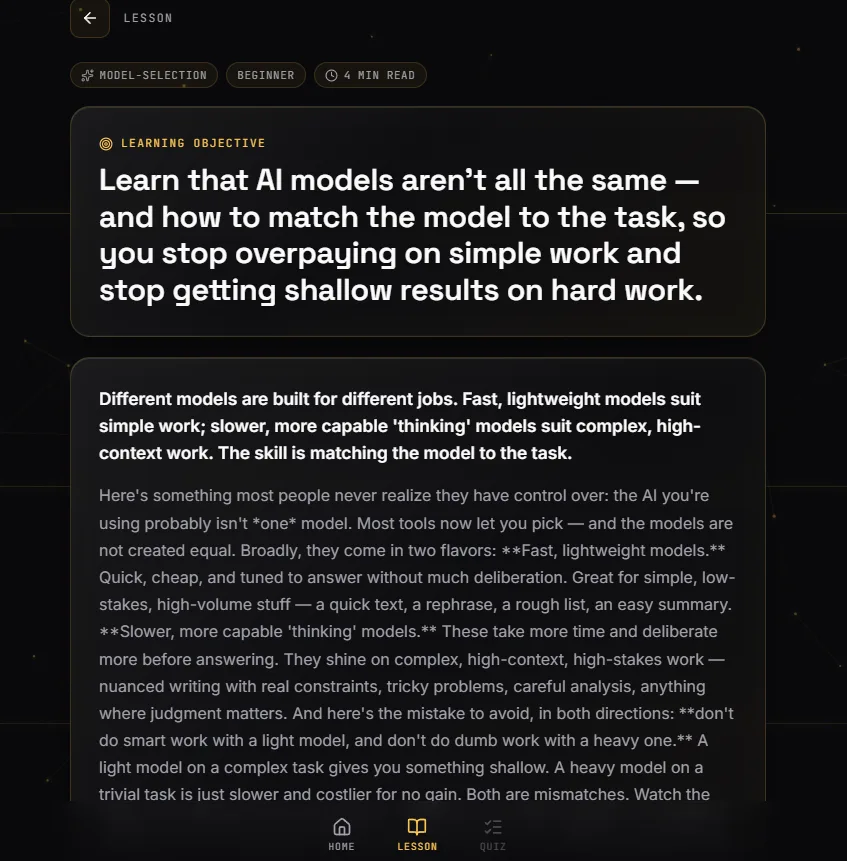
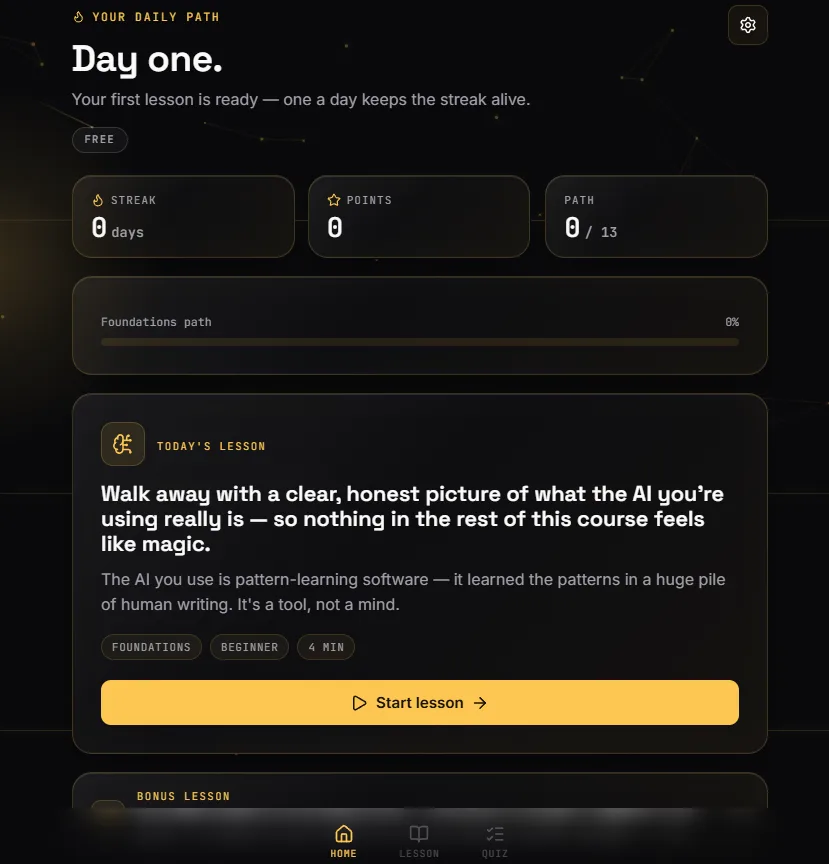
NeuroLearn is a web app — install it straight from your browser and it lives on your desktop or home screen like any app.